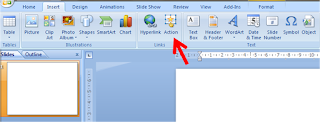
How to animate line charts so they come one after the other?
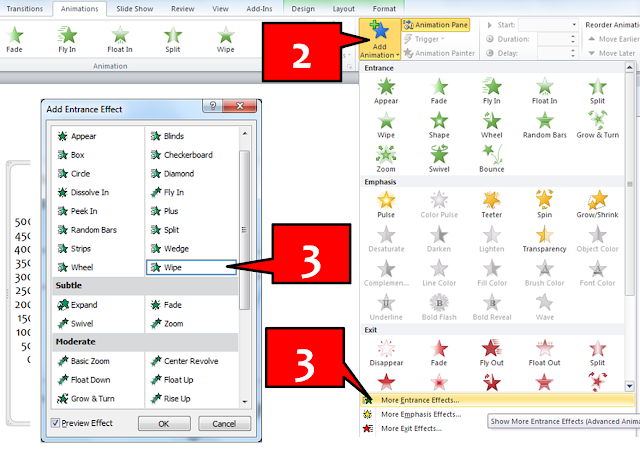
You are presenting the sales trend of Product A, B and C. You have a line chart. Instead of showing all the 3 lines at once, you want to click and show the line graph of A, then talk about it. Then you want to go to B and then C. How do we do this animation? Here it is in a few simple steps (in PowerPoint 2010). The process is almost similar in 2007. In case you have any problems, leave a comment or send me an email. Step-1 Create the line chart in PowerPoint or copy paste from Excel Step-2 Left click on the chart to select it. Under Animations Tab on top -> Go to Add Animation . Step-3 Go to More Entrance Effects -> Wipe. Wipe is a good effect. During final presentation, the lines will come from left to right smoothly. Step-4 Under Animation Pane on your right -> Click on Chart -> Choose Effect Options from drop down. In PowerPoint 2007 choose this from 'Custom Animation' panel on your left. Step-5 Under Effect Options window there are three tabs (Effect, T...