Posts

Showing posts from April, 2016

Deliver More Impact With These Presentation Trends [Guest Post]
Image
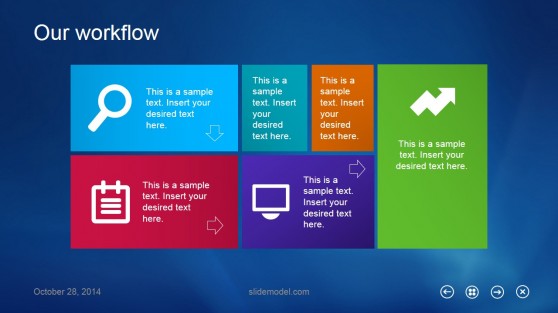
This is a guest post by Julián Magnone , Director at SlideModel.com About as old as the oldest millennial, PowerPoint still leads the pack when it comes to presenting ideas to an audience and remains an excellent platform for telling a story. But if you think you can get away with the presentation deck you’ve been using for a countless number of seasons, you won’t.  The presentation scene has changed. Audiences have wisened up. And you’ll perish as a presenter if you stay put.   DON’T even dare play that dusty old slide show.   Fortunately, PowerPoint has evolved over the years, nimbly weathering jeers from a bored portion of the corporate world as well as the entry of flashy new industry players. The software’s latest version, PowerPoint 2016 has all the features it needs (cloud-based access, mobility, collaboration, strong design capabilities, etc.) to keep its status as the industry standard for years to come. Meanwhile, the ecosystem spawned by Microso...

Business Review Charts - Makeover #1 [Singapore Airlines Bar Chart]

Image
We make lots of charts during a business review. Here is one such business review chart from the financial results of Singapore Airlines. We will analyze the chart and do a step-by-step makeover as well. You can also download the excel file by clicking here . Original Chart of Singapore Airlines The airline has broken even in 2 quarters and has not done so in the other 3. However, the gap was pretty small. This is how I look at this chart. What is the intended key message of this chart? Well, we do not know because the company has not stated it. The key message could well be, 'the last quarter was our best as we broke even comfortably' . Here is my diagnosis of this chart: No key takeaway for the audience. Different people will interpret it differently. Complex to understand Visual clutter Chart Makeover There are many ways to makeover this chart. The correct makeover depends on what is the intended key message. Here is one option that I recommend. It h...

6 Super Tips from the book 'Presentation Zen Design' by Garr Reynolds

Image
Which font is best for your presentation? Which background color is ideal? How to write text over an image? In this post, you will get all these tips and a few more.  1. Using the right fonts for your presentation Fonts have a character of their own and the choice of font depends on the message you want to convey. For presentations which are projected in a boardroom or a conference room or even on a laptop, choose sans-serif fonts . For presentations which are read as a printout, choose serif fonts. Serif fonts are easier to read when printed. Each font has a different feeling attached to it. For formal occasions, avoid using casual looking fonts just because you would like to jazz up your presentation. Fonts, like costumes, are meant for certain occasions. Keep a few fonts in your tool box, some formal and some casual. Avoid using more than 2 fonts in one presentation. 2. Overlaying text over images Garr Reynolds is a proponent of using large images whic...